

How deletion requests work
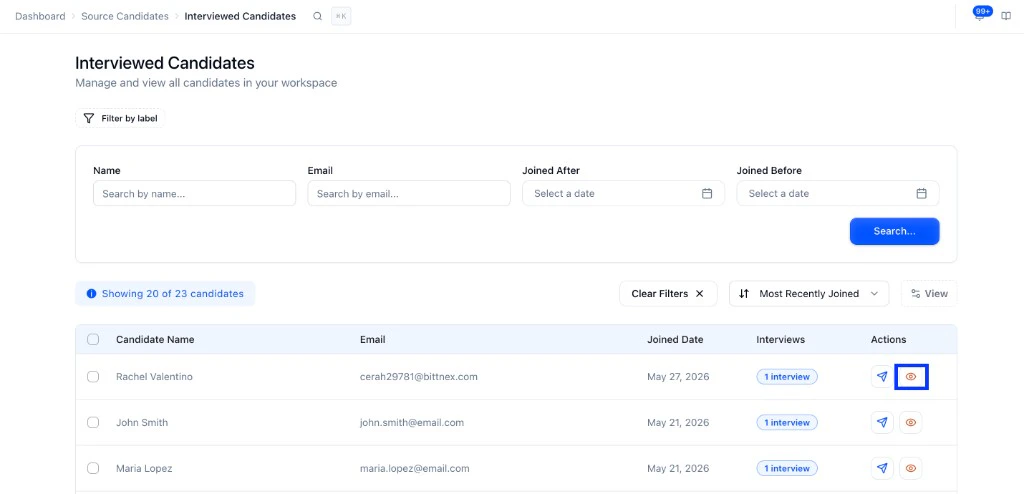
Deletion can be triggered three ways: Candidate-initiated: After an interview, candidates can request deletion from their interview experience page by clicking My Data at the bottom of the page. They get a verification email, confirm via the link, and the deletion is queued.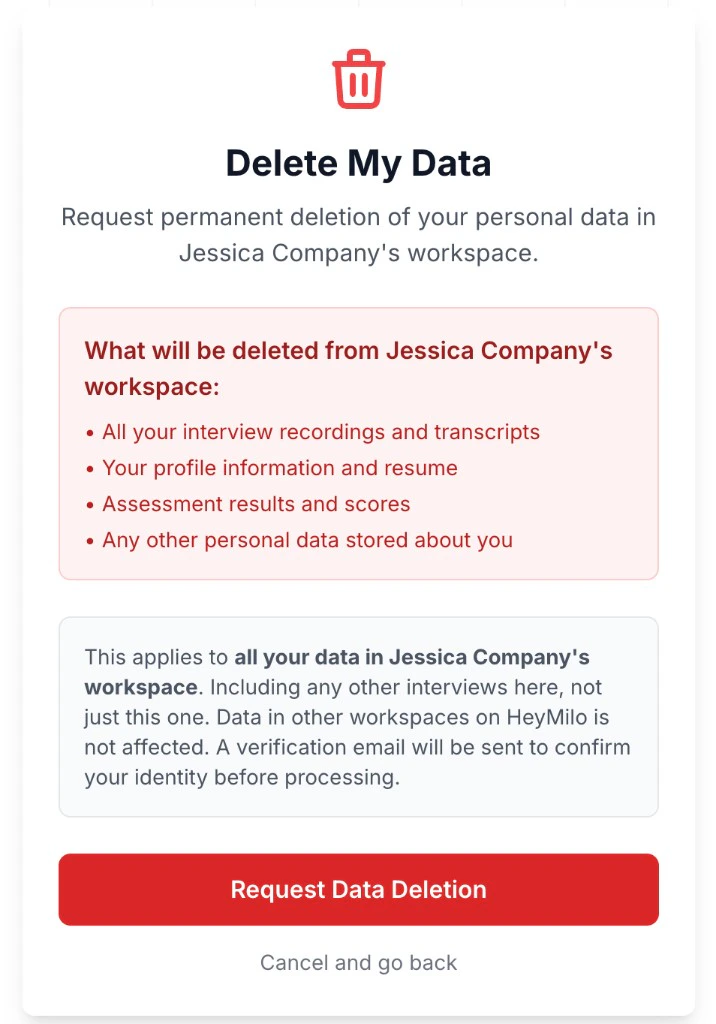
What gets deleted
Once confirmed and processed, everything is removed from the workspace including:- Interview recordings and transcripts
- Profile information and resume
- Assessment scores
Compliance log
Admins can view all deletion activity under Compliance → Requests → Erasure. The dashboard includes: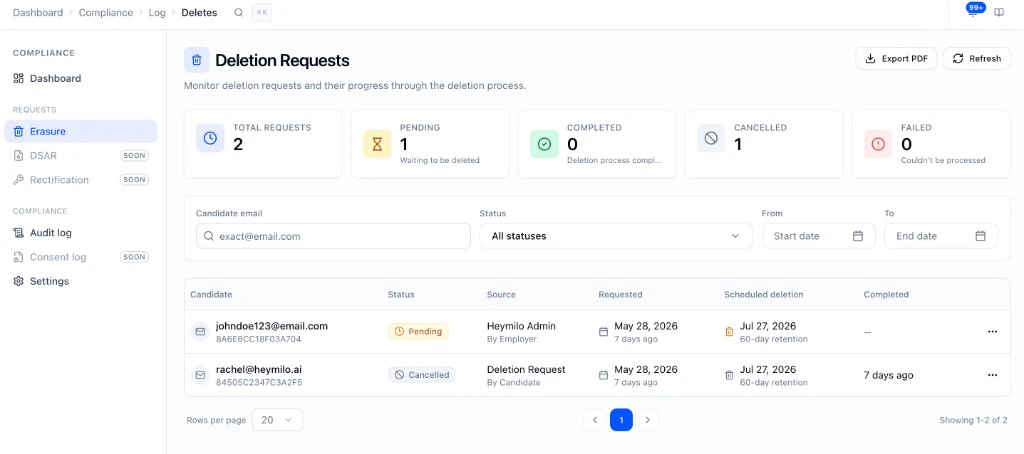
- Summary stats at the top showing total, pending, completed, cancelled, and failed request counts, plus a volume chart
- Filterable table of all requests with status, source, timestamps, and a Scheduled deletion column showing when deletion will occur based on your retention period
- Detail view per request showing candidate ID, request ID, status history, and deletion log
- Export PDF to download the log for audit or legal purposes
- Audit log tab — a separate tab tracking governance actions like retention setting changes
Retention settings
Under Compliance → Settings, admins can configure how long HeyMilo holds data before deletion is processed: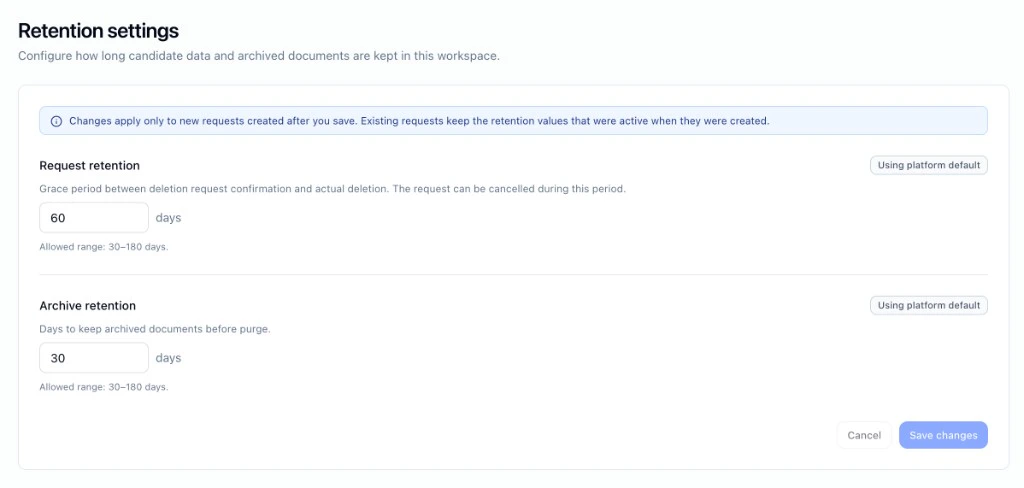
- Request retention: the grace period between when a deletion is confirmed and when data is actually deleted. Default is 60 days (range: 30–180 days).
- Archive retention: how long archived documents are kept before being purged. Default is 30 days (range: 30–180 days).
What candidates see
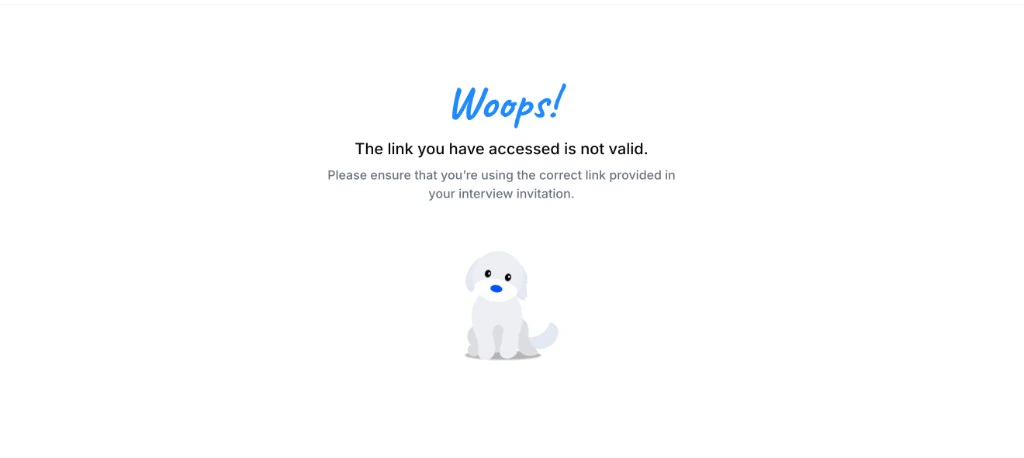
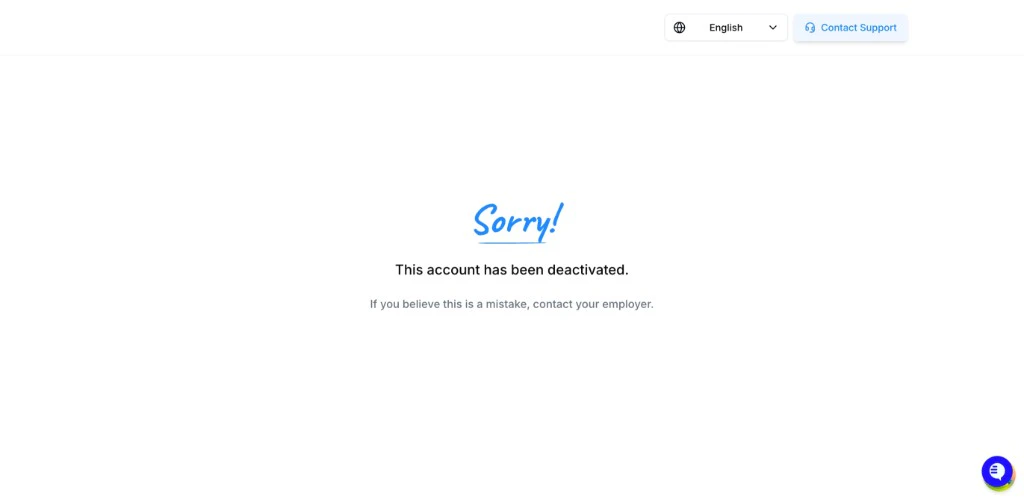
Once a deletion request is confirmed, the candidate is marked Deactivated
A few things to note
- Deletion cannot be reversed once processing begins.
- If a deletion request already exists for a candidate’s email, the system surfaces the existing request instead of creating a duplicate.